ELPROCAD - the complete CAD solution for electrical design
Take full control of your circuit diagrams with features like real-time cross-referencing and intelligent symbols that automatically build your device, cable and connection lists. From the same basis, you then generate complete terminal boards, assembly drawings and other reports with a click that are always perfectly synchronized.
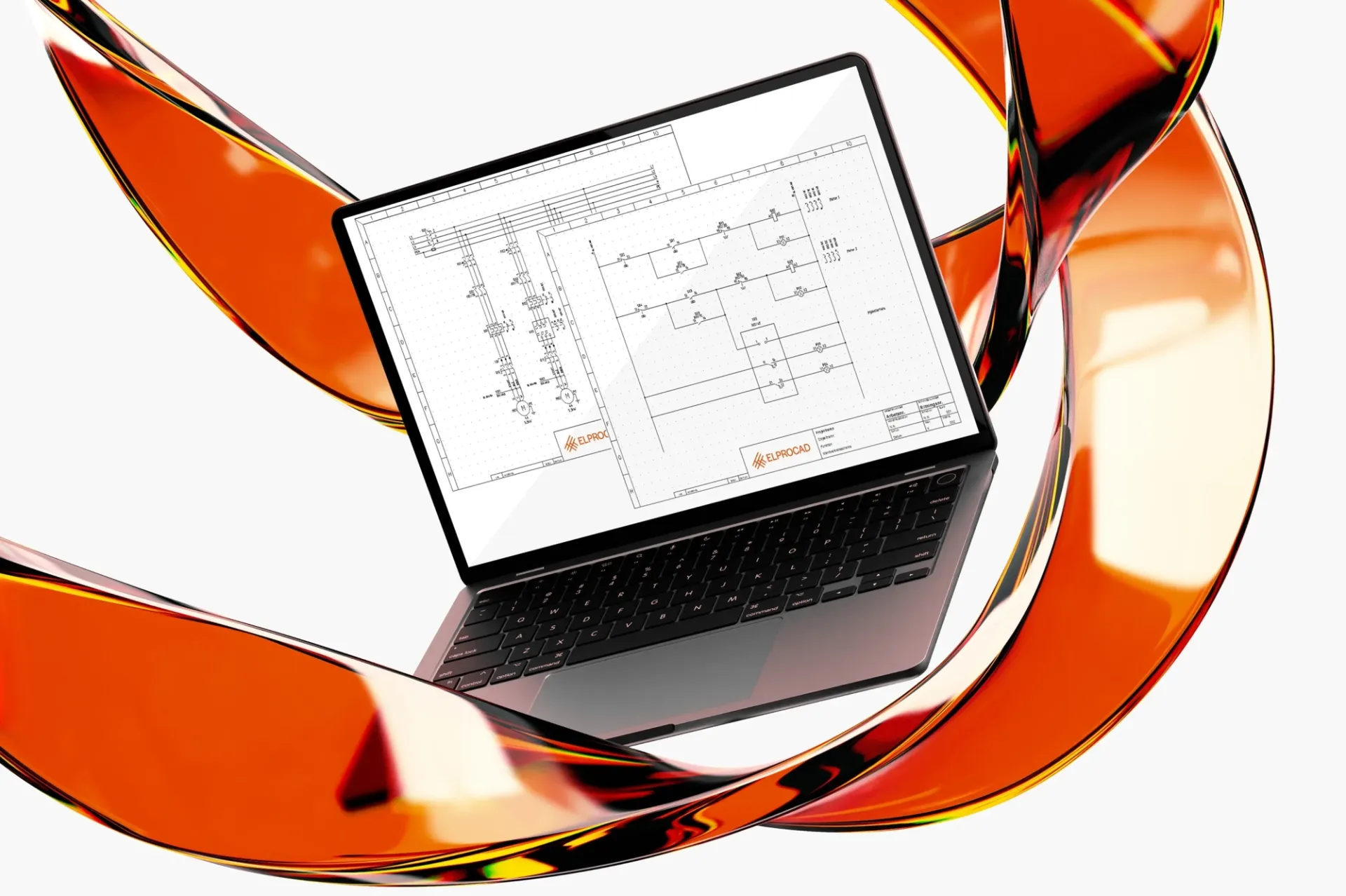
Powerful simplicity with ELPROCAD

The core of ELPROCAD is all the symbols and functions for drawing circuit diagrams, main circuit diagrams, external connection diagrams, assembly drawings, PLC and single line diagrams. We have designed ELPROCAD with the philosophy that advanced functions should not be complicated. Thanks to a logical interface and a workflow built to market standards, you will feel right at home. The powerful automation that manages lists and cross-references is easily accessible and helps you work efficiently from day one, without a long and demanding start-up phase.
Extensive symbol library
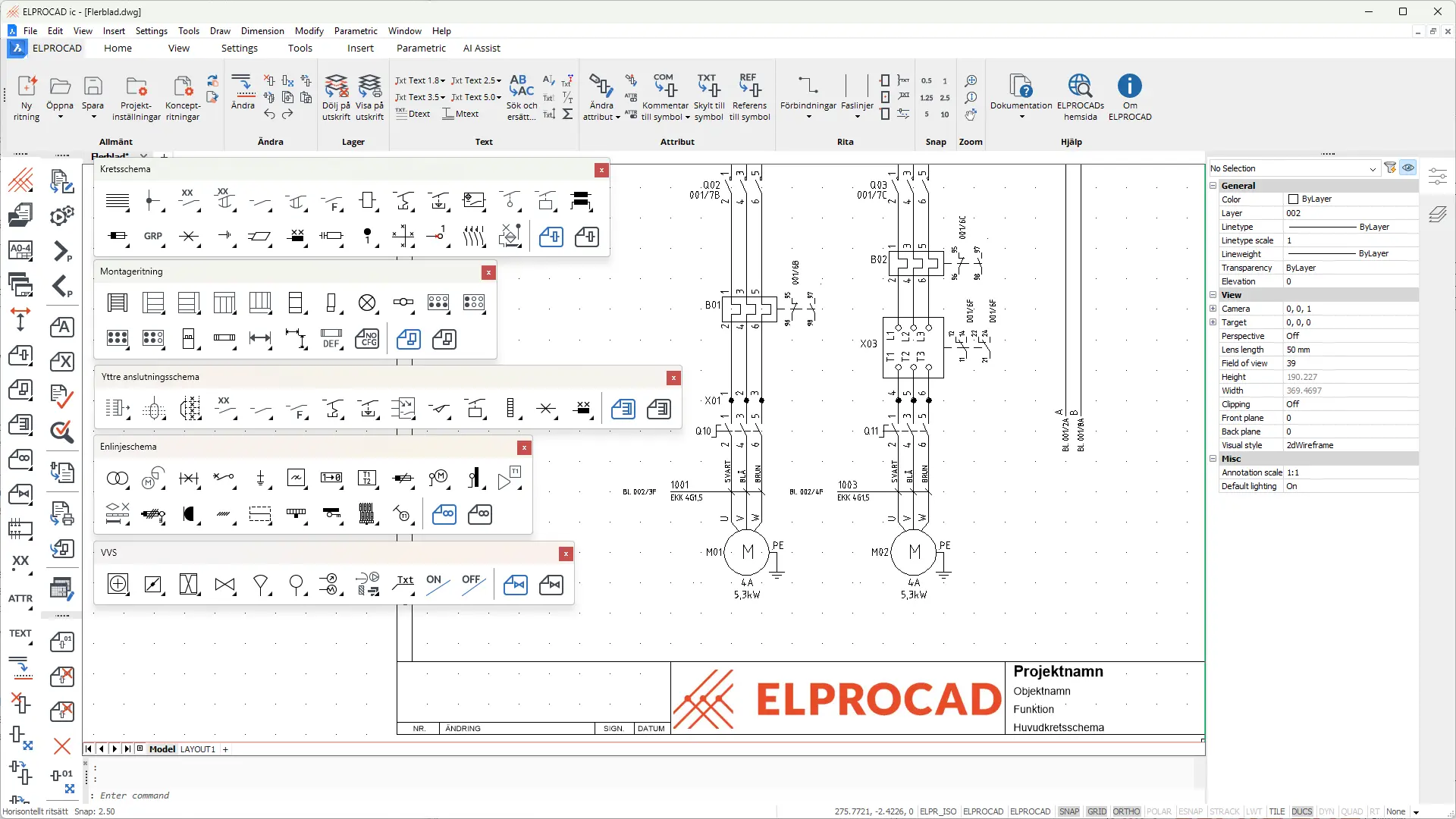
Basic
ELPROCAD contains symbols according to the IEC1082 and IEC 617 standards. The program also supports function- and position-oriented drawing. In addition, there are functions for making your own symbols, drawing forms and rulers.
Smart drawing environment
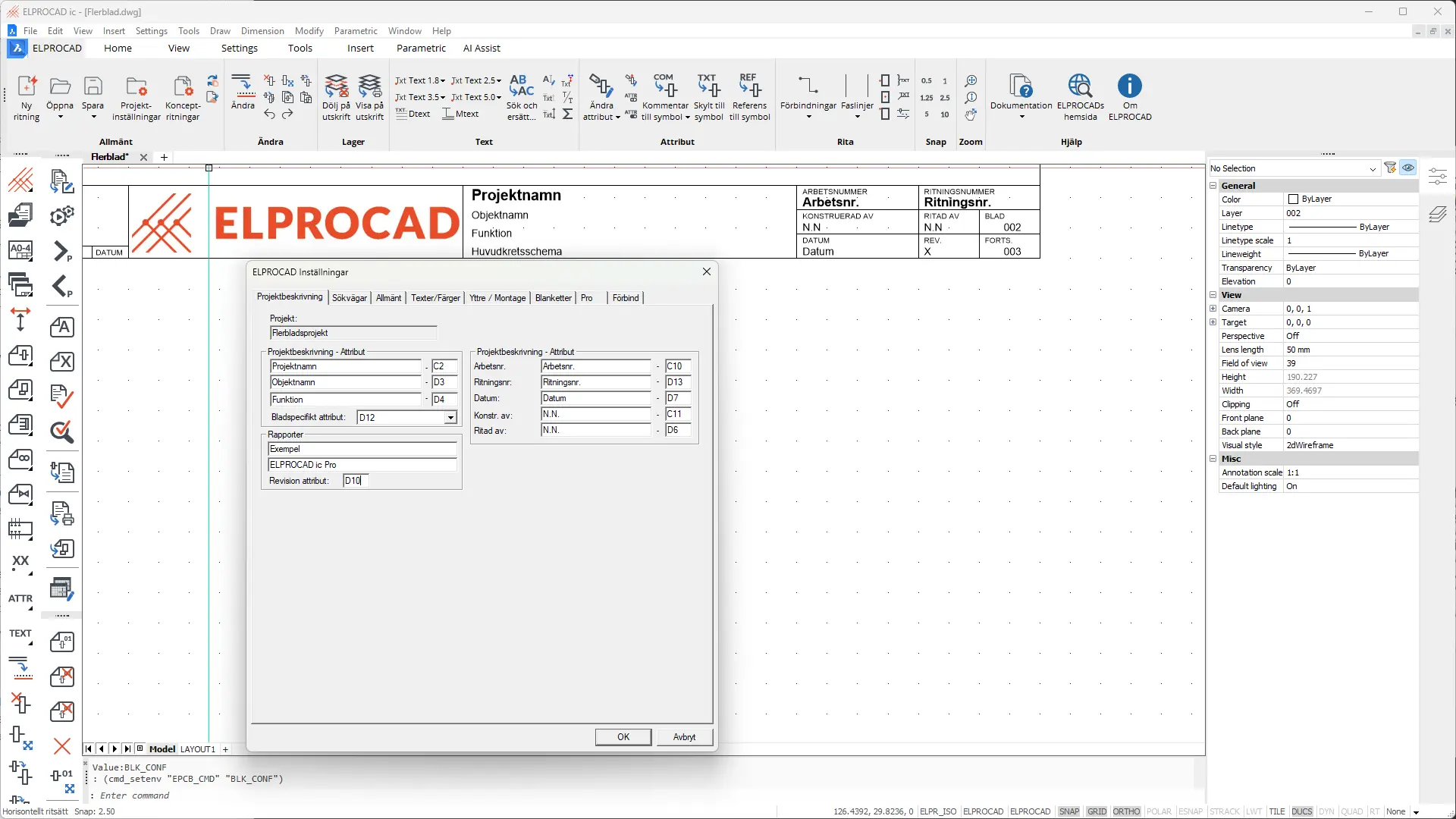
Basic
The drawing frame and drawing header are not just static graphics, but intelligent objects that are directly linked to the central information of the project. Instead of manually filling in the same data on every single drawing, you let ELPROCAD do the work for you.
Light/dark mode and ribbon bars

Basic
In ELPROCAD you can switch between light and dark mode according to your needs. The modern and configurable icon set in ribbon bars simplifies your work considerably.
Comprehensive PDF features
Turn your drawings into smart and searchable PDF libraries. With clickable hyperlinks for cross-referencing, automatic bookmarks and support for layers, your documentation becomes both interactive and super easy to navigate for the whole project team.
Pro
The ‘Create PDF’ feature helps you generate PDF files quickly and easily, with many setting options and small file size.

When creating PDF documents, you can click on a cross-reference or signal reference to jump directly to the correct page in the PDF document.

Add watermarks to drawings and reports when creating PDF files.

ELPROCAD automatically collects and creates searchable PDFs for all important documentation in a project.

Watch our video on PDF generation.
Try ELPROCAD for free for 30 days and see for yourself how a smarter electrical CAD tool can transform your workflow and improve the quality of your documentation.
Connections - overview and control

Automatic connection documentation
Premium
ELPROCAD Premium offers automatic generation of internal and external connection documentation in the form of lists and reports.
Some examples:
- Terminal lists
- Cable lists
- Internal connection tables
- External connection tables

DWG format for full compatibility
Basic Pro
Avoid painting yourself into a corner! With ELPROCAD it is obvious to be able to collaborate with other programs.
- The drawings are fully compatible with other programs in the ELPROCAD family.
- Since the drawings are saved in .dwg format, they can be easily opened in other AutoCAD-based CAD programs.
- Import/export of the device database in XML format allows you to communicate with most known database programs, such as Access, and Excel.
- ELPROCAD can export reports to dwg and XML formats as well as txt files, allowing you to communicate with Word or Excel, for example.
- You can create document links to external documents that can be displayed together with the device database.
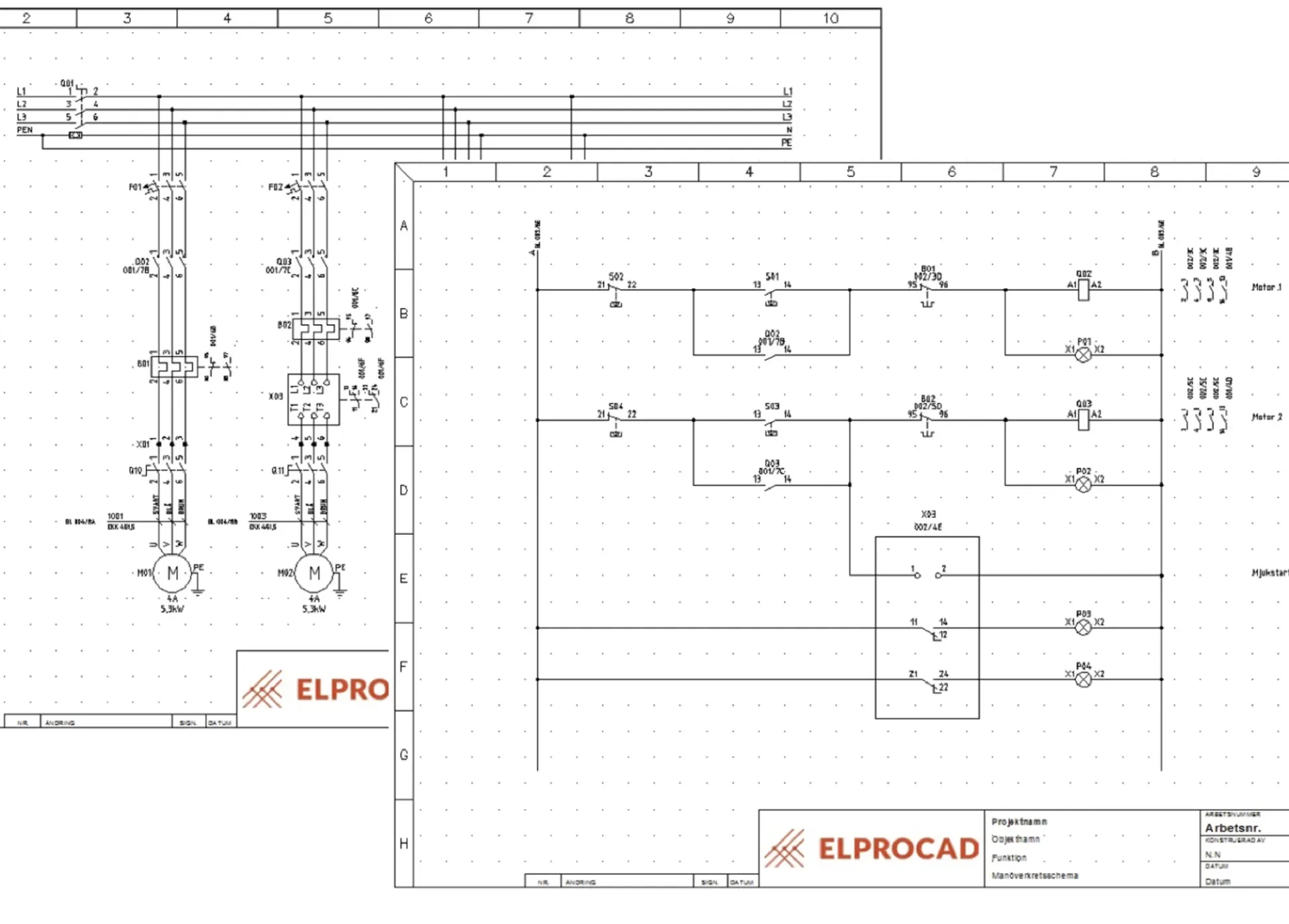
Project management and reports
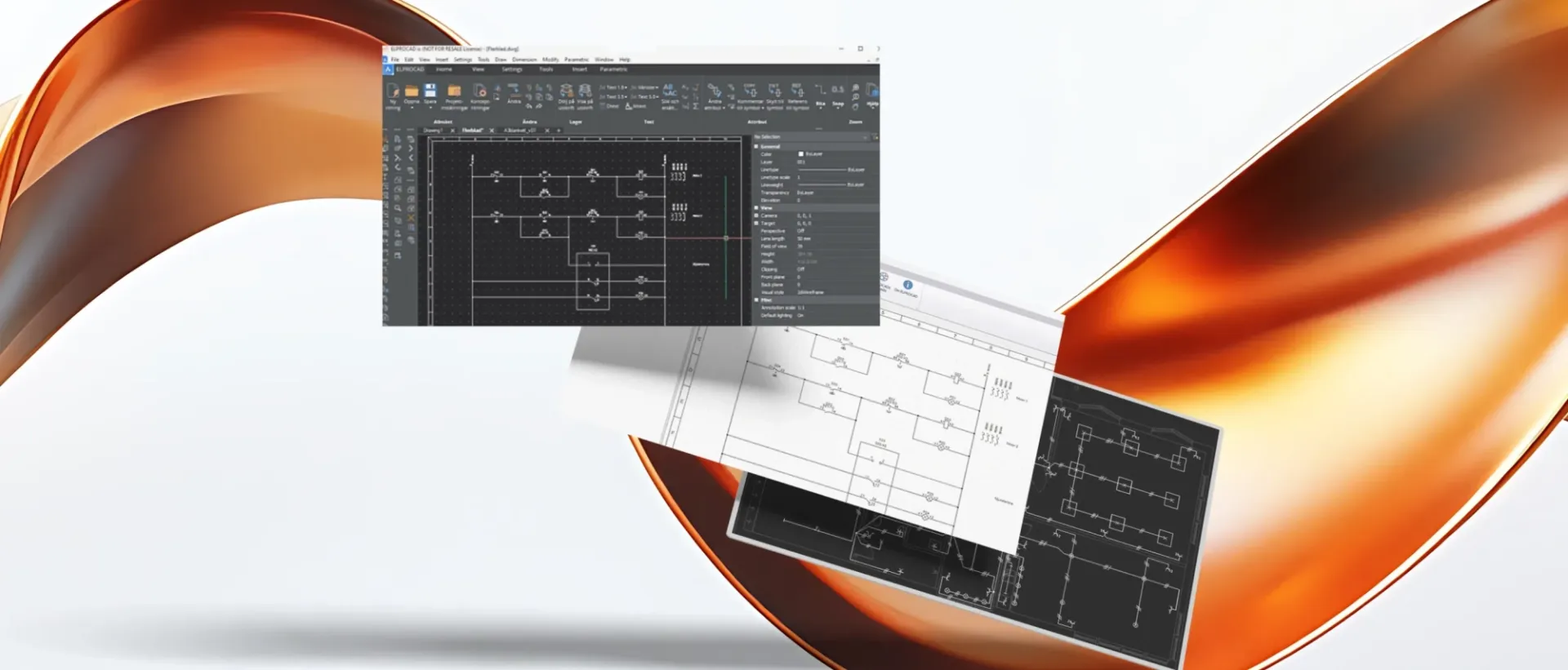
The basic settings for the program are saved in each project. Settings for e.g. colors, texts, form types, symbol standards and device databases are saved together with project information. When inserting forms and compiling reports, the project information is automatically written into the drawing header.
Automations
Pro
Filtering, search and replace functions offer a very powerful way to edit information directly in the project database. For example, the project automation allows you to insert cross-references and print all or selected sheets. You can run scripts that replace the drawing form, change the language of comments, replace a text in the drawing header on all sheets in the project and much more.
Cross-referencing
Pro
ELPROCAD creates cross references for e.g. signals, relay coils and contacts. If you right-click on a reference, you can go to the signal or symbol it refers to. The program can perform a full cross-reference analysis, check that devices and contacts have not been used before and create error reports. Click on a line in the fault report to easily point out the fault on your schedule
DMS
Pro
DMS means support for the document management systems AutoDesk® Vault and SharePoint. Increase document security in the company through structured management with check-out and check-in of documents. Requires separate licenses from AutoDesk, SharePoint and ELPROCAD.
Reports
Pro
ELPROCAD gives you a good overview of your projects by compiling the material you use in different types of reports. All reports can be easily modified according to your needs. Items in the reports are clickable and take you to the schedule. The reports can be opened in Excel for further processing if you wish.
Try ELPROCAD for free for 30 days and see for yourself how a smarter electrical CAD tool can transform your workflow and improve the quality of your documentation.
Not sure what you need?
Contact our sales department for help and guidance on our different programs and licensing options.
Powerful simplicity
ELPROCAD gives you complete control, while being easy to use and efficient. Maximize your productivity and precision today.