ELPROCAD ic - updates and improvements
We update our programs continuously with small and large changes. Below is a summary of the major changes in ELPROCAD ic.
2024
-
2024.5
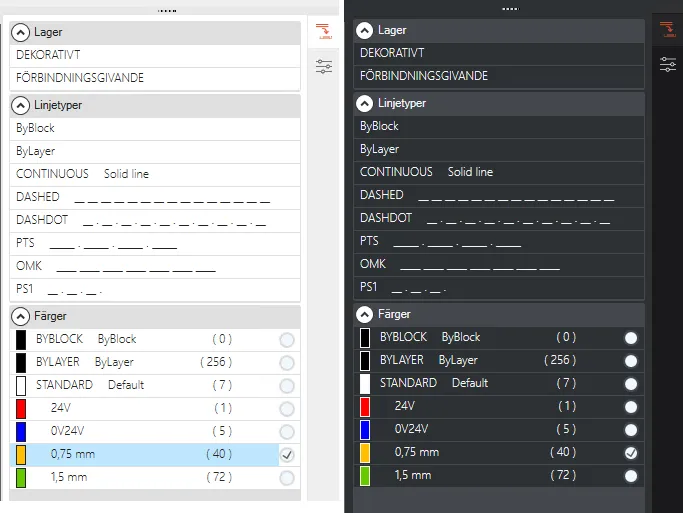
New function for Change layer, line type or color
The function is now displayed in a panel that can be expanded via a tab or it can be displayed as a floating dialog.
It is now possible to pre-select the line color and comment you wish to use for your connection.
-
2024.5

Completely redesigned Create PDF function
The Create PDF function has been significantly improved. The PDF files are now created noticeably faster and we have managed to reduce the file size to less than 50% compared to before.
2022
ELPROCAD ic 2022 supports BricsCAD V21.
-
2022.12

Dark mode
Dark mode is now available in the drawing environment with new updated icons for ELPROCAD.
-
2022.12
BricsCAD V21
ELPROCAD ic 2022.12 comes with updated CAD engine v21.
2021
With ELPROCAD ic 2021, we improve project and documentation management and facilitate the editing of drawings.
-
2021.11

Hide on print
New “Hide on Print” feature allows you to easily move objects to a layer that is hidden when printing.
-
2021.11

AutoDesk® Vault and SharePoint
Support for AutoDesk® Vault and SharePoint document management systems. Requires separate licenses from AutoDesk/SharePoint and ELPROCAD.
-
2021.5
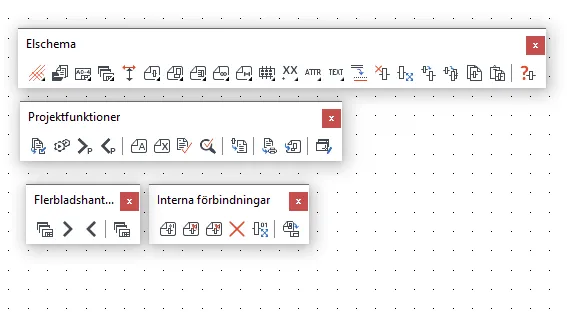
New icons for 4K displays
Updated icons with adaptations to 4K displays.
-
2021.5

Watermarks
New feature in “Create PDF” to add watermarks to drawings and reports.
-
2021.2

Change PLC box
Improved handling for editing a PLC box afterwards and updated functionality for importing signal file to PLC box.
-
2021.2

External documents
Attach complementary documents with your project directly in the project tree that can also be included in the PDF file.
-
2021.2

PDF settings
Extended possibilities to set up PDF printing where you can now choose which color settings, paper size, orientation, scale and more.
-
2021.2

Clickable cross-references
When creating PDF documents, the clickable cross-references and signal references feature is now available. Click on a cross or signal reference to jump directly to the correct page in the PDF document.
2020
ELPROCAD ic 2020 supports BricsCAD V19 and the latest DWG 2018 format.
-
2020.6
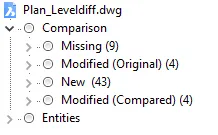
Compare drawings
ELPROCAD ic 2020 allows you to easily compare and check differences between different DWG drawings with the DWGCOMPARE command.
-
2020.6
Free up more space on the drawing board
Use the new Clean Screen feature to create more space on your desktop.
-
2020.6
Updated CAD engine: BricsCAD V19
Support for the new DWG 2018 format.
6.0
With ELPROCAD ic 6.0, we simplify project and documentation management, enhance the user experience and speed up start-up.
-
6.0

Software license keys and check-out
Check in and out whenever you want, without hardware locks, and manage your licenses on My Pages.
-
6.0

Download, install, start drawing
Simplify Windows 10 installation and streamline deployment with MSI packages.
-
6.0
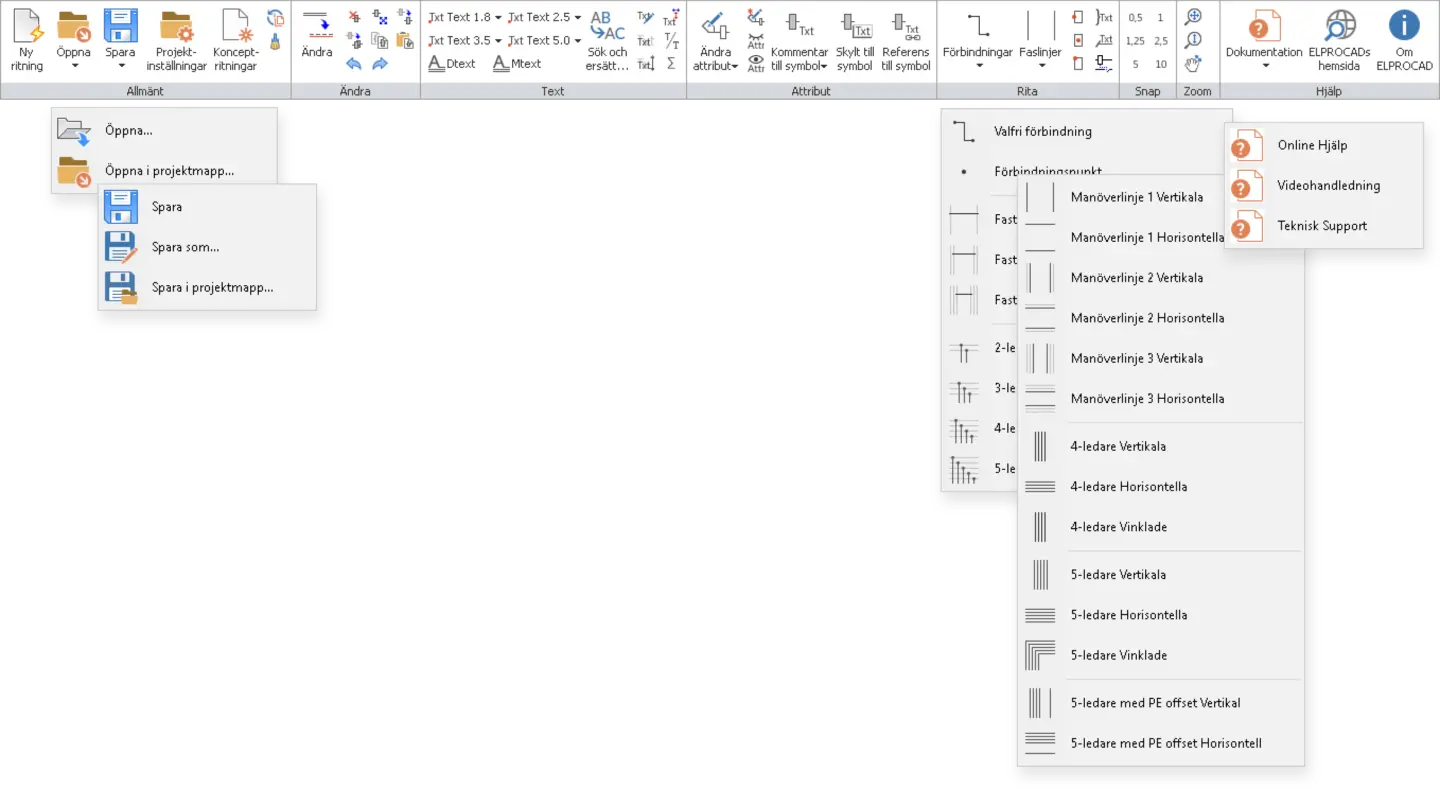
Updated graphical interface
Work faster with customized toolbars, smart buttons and tabs.
-
6.0

Customized project templates
Move quickly between projects with customized forms, reports, logos and devices — and share project templates across networks.
-
6.0

Comprehensive and searchable project documentation
ELPROCAD automatically collects and creates searchable PDFs for all important documentation in a project.
Powerful simplicity
ELPROCAD gives you complete control, while being easy to use and efficient. Maximize your productivity and precision today.